Skip to content
Try KIplatz

Access your PC files from your phone, from anywhere

The invoice, the application or the photo is on your PC at home, and you are out. With KIplatz you simply ask for it on your phone, and your PC at home finds the file and sends it to you. We call it “Ask your home”.

A young man stands on a train and looks at his phone

“Where is my file?” Just ask

In your own words

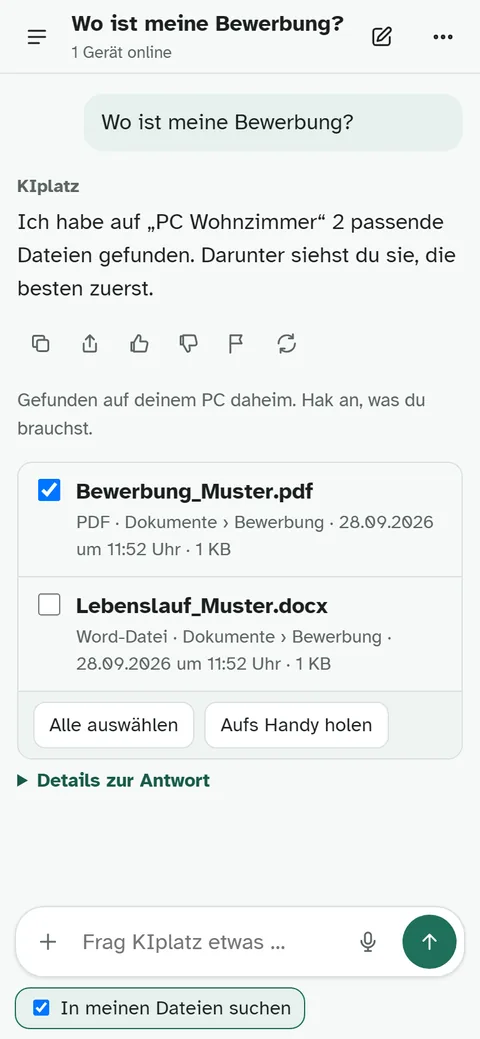
You write something like “Where is my application?”, you do not need the file name. Your PC looks in your usual folders, OneDrive included.

2 taps and it is with you

You tick what you need and tap “Aufs Handy holen” (get it to my phone). Then you save the file or send it on.

You decide where it searches

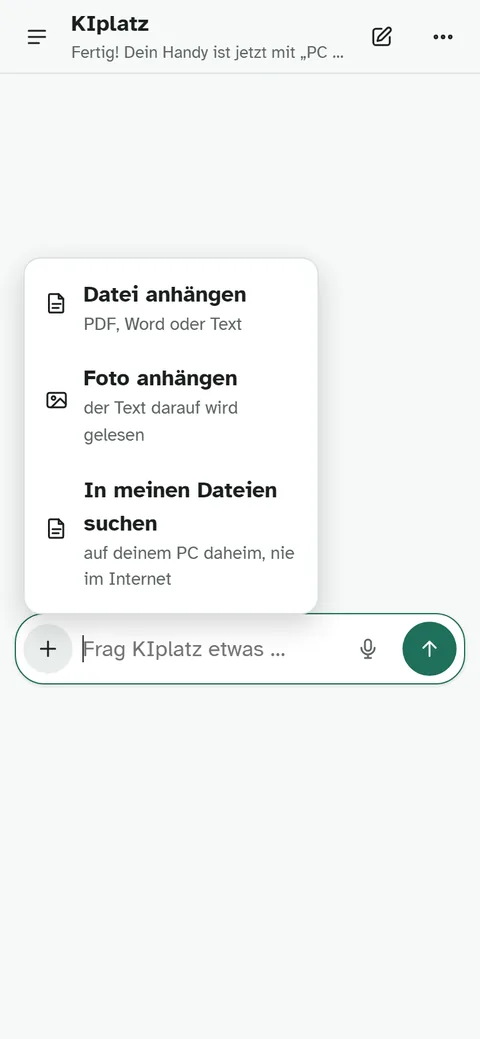
Only you switch on “In meinen Dateien suchen” (search my files). The question never goes to the internet and never to another member's PC.

Several PCs, one question

A PC at home and one at the office? Connect each once, then ask one of them or all at once.

Plus, tick, fetch

Tap a picture to see it larger.

The KIplatz app with the plus menu open and the entry to search my files
Switch it on with the plus.
The answer to the question where is my application with two example files found, one of them ticked
Tick what you need.
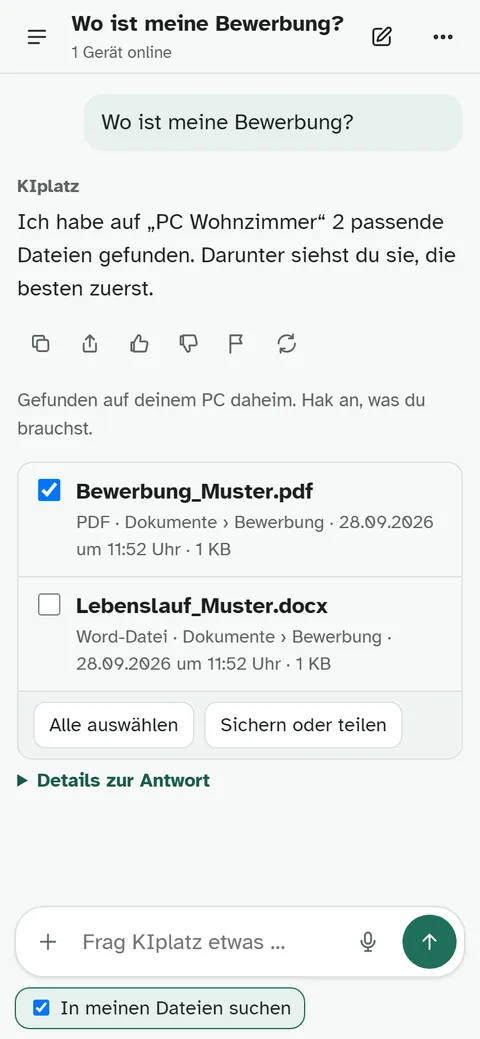
The fetched file with the button to save or share
Fetched.

Your own cloud, just without a cloud.

Everything stays on your PC. A file only travels when you fetch it, encrypted, through our server in Vienna. It cannot read the file and deletes it after pickup, after 24 hours at the latest.

Cloud, safety and a PC that is off

What do I need?
KIplatz on a Windows PC and the KIplatz app on your phone. It costs nothing, with no ads and no cloud subscription.
Do I need a cloud for this?
No. Your files stay on your PC at home. Only the file you fetch travels to you, encrypted, and our server only passes it on.
Is it safe?
Only a device you connected on your PC yourself may search, and every question carries a seal that only your PC checks. System folders, hidden files and password vaults never appear in the list, and on your PC you see who fetched what and when. More on safety
What if my PC at home is off?
Then it cannot search, and the app tells you right away. As soon as it runs again, it works again.
How large may a file be, and what is searched?
Up to 60 MB per file. The search looks at name, folder and date, not inside the files.

Connect once, with a QR code

  1. On your PC, open KIplatz, then “Meine Community” and “Frag dein Zuhause”, and tap “Handy oder Laptop dazunehmen”. A QR code appears.
  2. In the KIplatz app, go to “Mein Zuhause” and tap “QR-Code mit der Kamera scannen”. The camera image is never stored.
  3. Done. To search, tap the plus in the app and choose “In meinen Dateien suchen”.

Get the programKIplatz on your phone

Read on How safe it is · Get the program · FAQ